How to Open a PalmPay Account in Nigeria
PalmPay is one of Nigeria’s most popular fintech apps — free transfers, cashback rewards, and easy KYC. This guide covers two ways to open an account (app and USSD), CBN-required BVN/NIN verification, account tiers, and how to use PalmPay to buy USDT on CoinCola.
What is PalmPay?
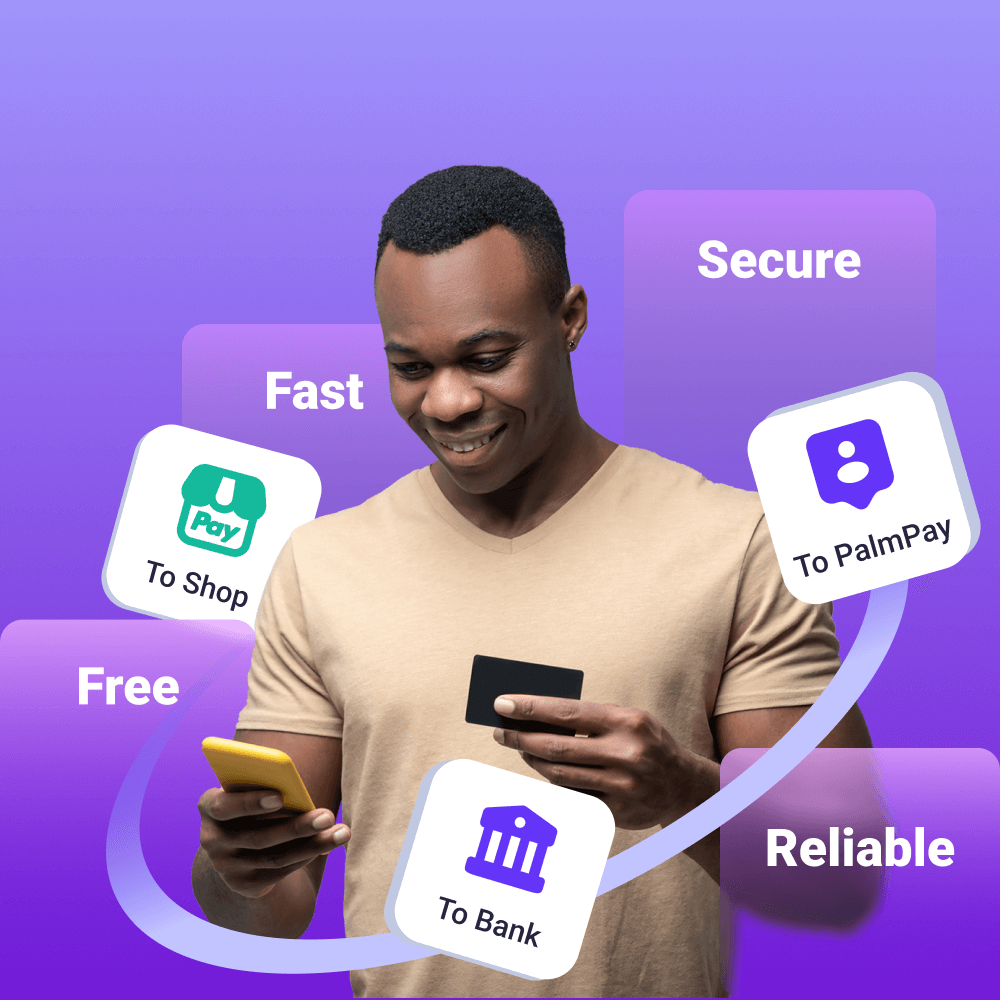
Hey fam! If you’re in Nigeria and you’re tired of paying transfer fees at every turn, PalmPay is one of the best answers out there. It’s a mobile money and banking app that lets you:
- Send money to any Nigerian bank account or PalmPay user — free
- Pay bills (electricity, DSTV, water, internet)
- Buy airtime and data at discounted rates
- Earn cashback on transactions
- Save money with interest
PalmPay is operated by PalmPay Limited, licensed by the Central Bank of Nigeria (CBN) as a mobile money operator. As of 2026 it has over 35 million users across Nigeria — one of the fastest-growing fintechs on the continent.
What You Need Before Starting
Required for basic registration:
- Android or iOS smartphone (for app method) or any phone with a SIM card (for USSD method)
- Active Nigerian phone number (MTN, Glo, Airtel, or 9mobile)
- Valid email address
Required for full KYC verification (CBN-mandated):
- BVN (Bank Verification Number)
- NIN (National Identification Number)
- Government-issued photo ID (voter’s card, driver’s licence, international passport, or national ID card)
No BVN yet? You can register and use basic features without BVN, but you’ll be on Tier 1 with daily limits of ₦50,000. Full access requires BVN + NIN — see the KYC section below.
Method 1: Open PalmPay via the App
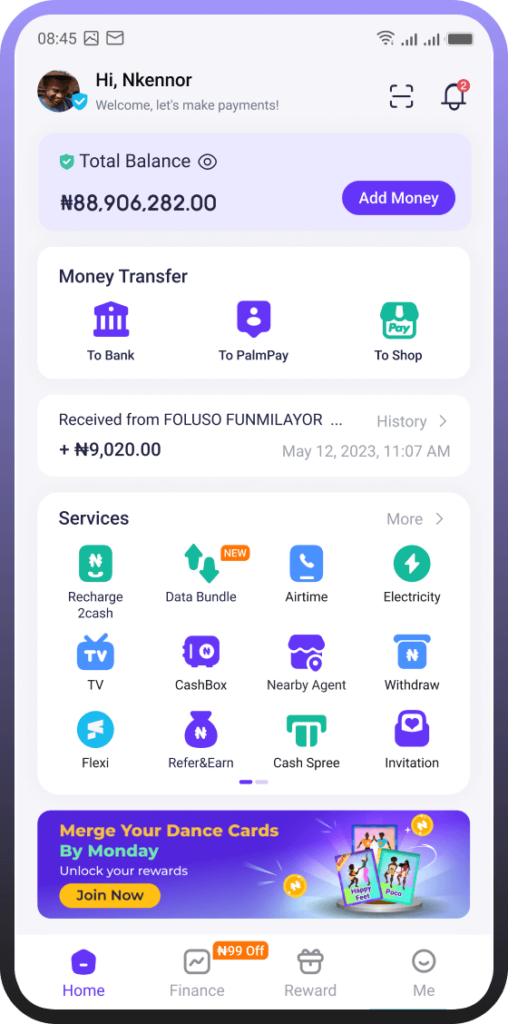
Step 1: Download PalmPay
- Android: Search “PalmPay” on Google Play Store — look for the green logo, published by PalmPay Limited
- iOS: Search “PalmPay” on the App Store
Avoid downloading from third-party sites — only use official app stores.
Step 2: Register with your phone number
Open the app and tap “Sign Up”. Enter your Nigerian phone number. You’ll receive a 6-digit OTP via SMS — enter it to verify your number.
Step 3: Create your PIN
Set a 6-digit transaction PIN. This PIN will be required for every transfer — don’t share it with anyone, including PalmPay customer care (legitimate support will never ask for your PIN).
Step 4: Fill in your profile
Enter your:
- Full legal name (must match your BVN records)
- Date of birth
- Email address
Step 5: Set up your account security
Enable biometric login (fingerprint or Face ID) if your phone supports it — this speeds up future logins without compromising security.
Your account is now open and ready for basic use. To unlock higher limits, complete BVN/NIN verification (see below).
You may like:
How to Open an Opay Account
How to Open an eNaira Account in Nigeria
Method 2: Open PalmPay via USSD (No Data Needed)
No smartphone? Low data? No problem — PalmPay has a USSD option that works on any phone.
PalmPay USSD code: *99*505#
Steps
- Dial
*99*505#from your Nigerian SIM - Select “Create Account” from the menu
- Follow the prompts to enter your phone number and create a PIN
- You’ll receive an SMS confirmation when your account is created
USSD account limitations:
- Basic transfers and balance checks only
- Cannot complete full KYC via USSD — you’ll need the app or a PalmPay agent for ID verification
- Daily limit stays at Tier 1 (₦50,000) until KYC is done via app
The USSD method is ideal for getting started quickly or for users who want to receive money before completing full verification.
BVN and NIN Verification (2026 CBN Requirements)
Since 2023, the Central Bank of Nigeria requires all mobile money operators — including PalmPay — to link accounts to both BVN and NIN. This is not optional for Tier 2 and above.
How to verify BVN on PalmPay
- Open the PalmPay app → tap your Profile icon
- Go to “Verify Identity” → select “BVN Verification”
- Enter your 11-digit BVN
- PalmPay will cross-check your name and date of birth with your BVN records — they must match exactly
- You’ll get a confirmation within seconds if everything matches
BVN mismatch? This usually means the name on your PalmPay profile doesn’t exactly match your BVN records (e.g., middle name included in one but not the other). Edit your profile name to match your BVN exactly, then retry.
How to verify NIN on PalmPay
- Go to Profile → Verify Identity → NIN Verification
- Enter your 11-digit NIN
- For higher tiers, PalmPay may request a selfie for facial comparison against your NIN records
ID document upload
After BVN/NIN, upload a photo of your government ID:
- Photograph in good natural light
- All four corners visible, no glare
- Both sides for voter’s card and driver’s licence
Full verification typically completes within 24 hours.
PalmPay Account Tiers & Limits
| Tier | Requirements | Daily Transfer Limit | Account Balance Limit |
|---|---|---|---|
| Tier 1 | Phone number only | ₦50,000 | ₦300,000 |
| Tier 2 | BVN + NIN | ₦200,000 | ₦500,000 |
| Tier 3 | BVN + NIN + ID document | ₦1,000,000 | ₦1,000,000+ |
For most everyday users, Tier 2 is sufficient. If you’re doing business transactions or need to send larger amounts, complete Tier 3 verification with your ID document.
How to Check Your PalmPay Account Balance
In the app: Your balance is shown on the home screen as soon as you log in.
Via USSD: Dial *99*505# → select “Check Balance” → enter your PIN.
Via SMS notification: PalmPay sends an SMS after every transaction showing your updated balance — no need to open the app.
Balance not updating? Pull down to refresh the home screen in the app. If the issue persists, log out and back in — PalmPay’s balance sync occasionally lags by a few minutes during high-traffic periods.
PalmPay vs OPay vs Kuda — Quick Comparison
| Feature | PalmPay | OPay | Kuda |
|---|---|---|---|
| Free transfers | ✅ Yes | ✅ Yes | ✅ Yes (10/month then ₦25) |
| Cashback rewards | ✅ Yes | ✅ Yes | ❌ No |
| USSD code | ✅ 99505# | ✅ *955# | ✅ *933# |
| Savings/interest | ✅ PalmSave | ❌ Limited | ✅ Kuda Vault |
| Loans | ✅ PalmCredit | ✅ OKash | ✅ Kuda Overdraft |
| Crypto support | Via CoinCola P2P | ❌ | ❌ |
| CBN license | ✅ Mobile Money | ✅ Mobile Money | ✅ Microfinance Bank |
Bottom line: PalmPay and OPay are very similar — both offer free transfers and cashback. Kuda is better for savings features. PalmPay has a slight edge for crypto users because it’s one of the most widely accepted payment methods on Nigerian P2P crypto platforms like CoinCola.
How to Buy USDT with PalmPay on CoinCola
Here’s something a lot of PalmPay users don’t realize: you can use your PalmPay balance to buy and sell USDT directly through CoinCola’s P2P marketplace.
This is one of the most practical combos for Nigerian crypto users:
- PalmPay transfers are instant and free — ideal for P2P crypto payments
- CoinCola’s escrow protects your funds until the trade completes
- You get near-market rates — significantly better than bureau de change or bank forex
How it works
- Open CoinCola and go to Buy USDT
- Filter by PalmPay as the payment method
- Choose a seller and initiate the trade
- Send the NGN amount from your PalmPay to the seller’s PalmPay number
- Once the seller confirms receipt, USDT is released to your CoinCola wallet
Selling USDT back to NGN works the same way in reverse — you receive NGN directly to your PalmPay.
Ready to start? Download CoinCola — registration takes under 5 minutes and your first trade can happen today.
FAQs
Yes — you can register with just a phone number and use Tier 1 features (up to ₦50,000/day). But BVN is required to unlock Tier 2 and above.
*99*505# — works on all Nigerian networks (MTN, Glo, Airtel, 9mobile) and doesn’t require data.
Yes — PalmPay is licensed by the CBN and uses 256-bit encryption. Never share your PIN or OTP with anyone, and enable biometric login for extra protection.
Open the app → tap “Forgot PIN” on the login screen → verify with your registered phone number OTP → set a new PIN.
Not directly within PalmPay. But you can fund a CoinCola P2P trade using PalmPay — it’s one of the most popular payment methods for Nigerian crypto buyers on the platform.
This is not financial advice. Always DYOR (Do Your Own Research).
Stay blessed, stay smart — and keep your money moving. 🇳🇬